


Before relaunching, crawl your current site, benchmark traffic and rankings, map every old URL to a 301 redirect, carry over titles and metadata, rebuild conversion tracking, test forms on real phones, and keep a rollback plan. Most redesigns lose traffic because redirects and tracking were an afterthought, so fix those first.
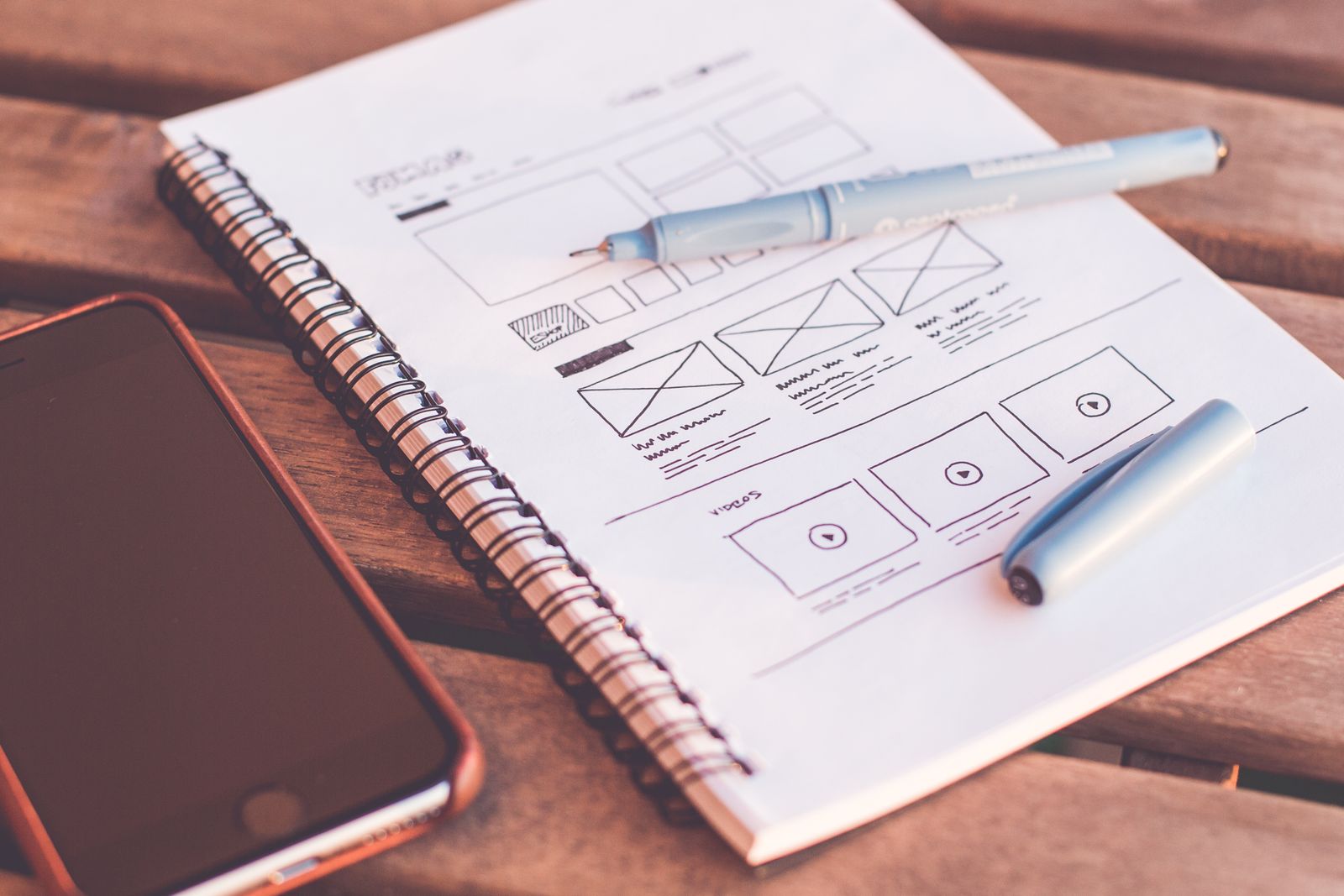
Website Redesign Checklist: 15 Things to Get Right Before You Relaunch
A website redesign can quietly undo years of SEO in one afternoon. Flip the switch without a redirect plan and Google treats your new site like a stranger.
We’ve audited enough post-relaunch wrecks to know the pattern. The new site looks great, everyone celebrates, and 6 weeks later the phone has gone quiet and nobody can say why.
This is the checklist we run before any relaunch. 15 items across 4 phases. Print it, and don’t let your developer skip the boring ones.
Before you brief anyone
1. Crawl your current site and save every URL. Run Screaming Frog (free up to 500 URLs) or any online crawler and export the full list. This file becomes your redirect map later, and it always surfaces pages you forgot existed: old landing pages, PDF menus, that 2019 Diwali offer.
2. Benchmark your current numbers. You can’t judge the new site without a before picture. Record these somewhere safe:
| What to record | Where to find it |
|---|---|
| Organic traffic, by page | GA4 |
| Keywords and top pages | Google Search Console |
| Leads or sales per month | Your inbox, CRM or GA4 events |
| Page speed (LCP, CLS) | PageSpeed Insights |
| Backlinks to key pages | Any backlink checker |
3. Give every page 1 job. Each template gets a single primary action: a call, a WhatsApp tap, a form fill or a purchase. Write it into the brief. Most redesign briefs go deep on looks and skip this entirely.
4. Sort content into keep, rewrite, kill. Posts that still rank stay as they are. Thin pages with 0 visits get merged or deleted. Decide this before design starts so the new sitemap reflects reality instead of the old site’s clutter.
While the new site is being built
5. Build the 301 redirect map. A 2-column spreadsheet: every old URL on the left, its closest new equivalent on the right. Missing redirects are the single most common reason redesigns bleed rankings. Pointing everything at the homepage doesn’t count.
6. Protect the pages that earn your traffic. Open Search Console, note your top 10 pages, and treat them as load-bearing walls. Keep their URLs if you can, and keep the copy and heading structure largely intact. Change the design around them.
7. Write the copy before the design. Layouts built on placeholder text collapse when real content arrives, and you end up cramming 3 paragraphs into a box designed for 1 line. Headlines and service copy first. Design second.
8. Design for the phone your customer actually owns. That’s usually a mid-range Android on patchy 4G, held one-handed on a commute. Review mockups at mobile width first, make the phone number tappable, and keep the WhatsApp button visible without scrolling.
9. Set a performance budget in the contract. Agree on limits before development starts: total page weight, image sizes, LCP under about 2.5 seconds on mobile. A beautiful 8 MB homepage is a real cost on Indian mobile networks. Our website development builds start with this budget locked in.
10. Rebuild every form and chat flow. Contact forms, WhatsApp links, phone links, payment buttons. Then test where submissions actually land. We’ve seen forms that posted to an email address nobody had opened in a year.
The week before launch
11. Reinstall and test your tracking. GA4, Google Ads conversion tags, Meta pixel, Search Console verification. Submit a test enquiry and watch it appear in each tool. Redesigns routinely go live with tracking missing, and if you run paid campaigns that silence gets expensive fast.
12. Run a technical SEO pass on staging. Carry over (or improve) every title tag and meta description, keep 1 H1 per page, add alt text, generate the XML sitemap, sanity-check robots.txt. And remove the noindex tag that kept staging hidden from Google. Sites go live wearing it more often than you’d expect. Clean structure matters more now that Google’s AI Overviews appeared on roughly 25% of searches by early 2026, per Conductor’s 21.9-million-query analysis; well-organised pages are the ones those summaries quote.
13. Test on a real device with a bad connection. Throttle to slow 4G in Chrome DevTools, then repeat on an actual budget Android. Click through your money pages, submit every form, tap every phone and WhatsApp link. Emulators miss what a real thumb finds.
Launch day and the month after
14. Launch with a rollback plan. Take a full backup of the old site, keep DNS records you can revert, and go live mid-week in the morning while everyone who can fix things is awake. Friday-evening launches give small bugs a 3-day head start.
15. Watch Search Console for 30 days. Submit the new sitemap on day 1. Check the pages report and 404 list weekly, and fix crawl errors as they appear. A ranking wobble for 2 to 4 weeks is normal after a migration. A slide that keeps going past a month usually traces back to item 5.
Where The Pixel Mark fits
Redesigns fail in the plumbing far more often than in the pixels, which is why this checklist is mostly plumbing. If your traffic never recovered from a past relaunch, our post on 6 growth leaks to fix covers the usual suspects.
And if you’d rather hand the whole thing to a team that takes redirects as seriously as design, that’s what our website design practice does. Get in touch and we’ll start with the crawl.